Security Tools

Cato Client 4+ – Unparalleled Data Protection, App Privacy, and Security Ratings and Reviews

Cato Client 4+ provides a high level of protection, app privacy, and data security. Users praise its reliability and security wherever they go. The app also receives positive ratings and reviews for its exceptional security features. While it has some occasional issues with network loss, overall, Cato Client is an excellent option for those concerned about their data’s safety.

Read More
VPN for Android

Fast VPN – Free VPN Proxy Secure Wi-Fi Unblock APK – Download for Android

Download Fast VPN – Free VPN Proxy Secure Wi-Fi Unblock APK for Android. Explore the main features of Fast VPN – Free VPN Proxy Secure Wi-Fi Unblock. Get a secure, fast, and unlimited VPN proxy with a high-speed, stable, and safe connection. Learn how to use the app and discover more about EverVPN – Secure and Fast VPN. Enjoy all the activities and functions provided by this light and efficient VPN application.

Read More
VPN Benefits

Secure Your Connection with High-Speed VPN Servers in 84 Countries Worldwide

Access high-speed VPN servers in 84 countries worldwide and get a dedicated IP address for enhanced privacy and security. Enjoy fast and secure internet browsing, streaming, and torrenting with unlimited bandwidth and server switching. Protect your online activities from prying eyes and bypass geo-restrictions with a reliable VPN service. Sign up now and experience the benefits of a dedicated IP address.

Read More
VPN for Streaming

Top Static IP Dedicated IP VPN Providers in 2023: How to Choose the Best VPN for a Dedicated IP Address

Looking for the best VPN provider for a dedicated IP address? Check out our list of the top static IP dedicated IP VPN providers in 2023 and learn how to choose the best VPN for your needs. Find out what features to consider and compare the best providers to ensure a secure and reliable connection for your dedicated IP address.

Read More
VPN for Mac

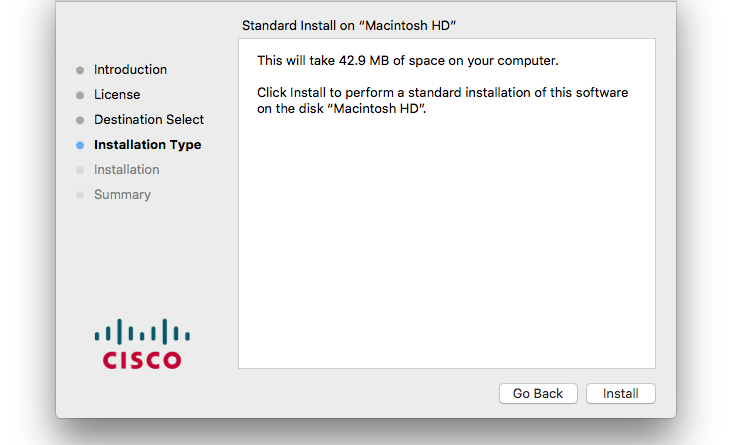
How to Install Cisco AnyConnect Secure Mobility Client on a Mac Computer – Step-by-Step Guide

Learn how to install Cisco AnyConnect Secure Mobility Client on your Mac computer with RV34x University Information Technology. Get step-by-step instructions, download links, and licensing information for the AnyConnect app. Connect to VPN securely and easily with this guide. Additional resources and useful links are also provided for further assistance.

Read More