
Fixing YouTube TV Compatibility Issues with VPN: A Comprehensive 2023 Guide
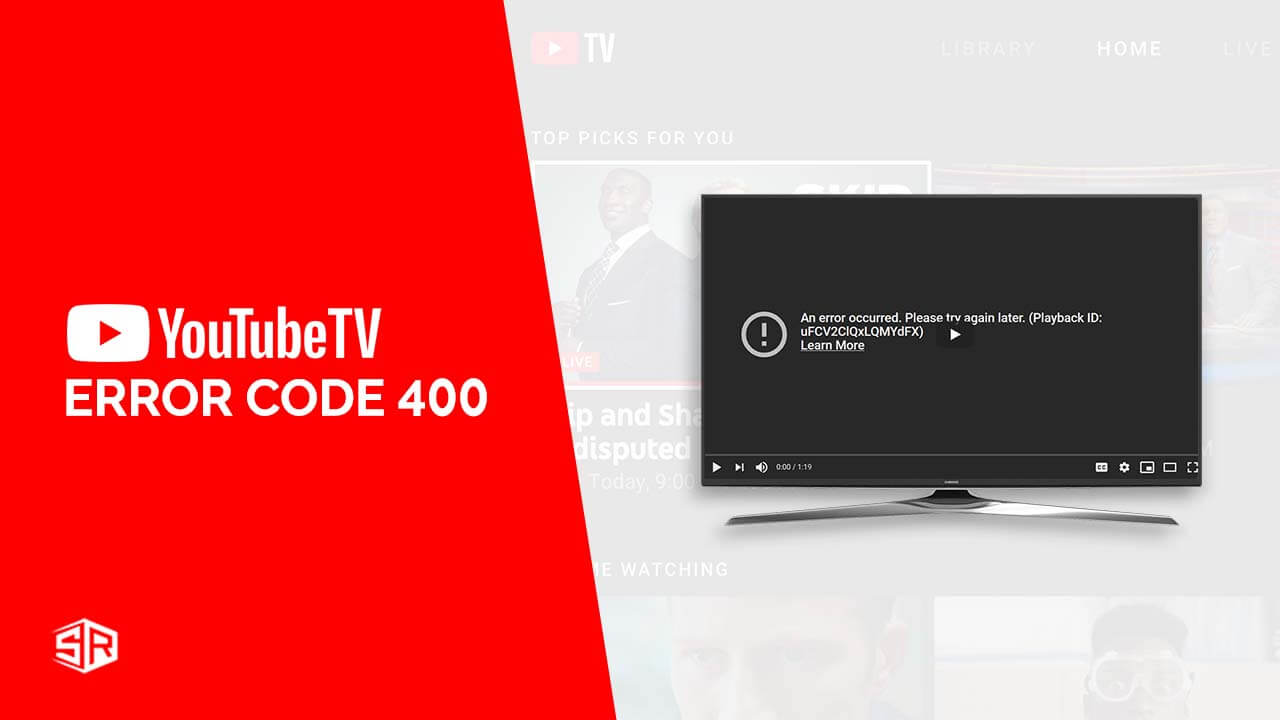
YouTube TV is a popular feature that allows users to access a wide range of streaming content, including movies, TV shows, and live television channels. However, many users have reported issues with YouTube TV not working when using a VPN. When trying to access YouTube TV with a VPN, users may encounter an error message or be unable to stream content. In this article, we will explore the reasons why YouTube TV doesn’t work with VPNs and provide three quick fixes to help you regain access to your favorite entertainment.
There are several reasons why YouTube TV may not work with a VPN. One of the main reasons is that YouTube TV has implemented measures to block VPNs in order to comply with licensing agreements and regional content restrictions. This means that when you try to access YouTube TV with a VPN, the system may detect that you are using a VPN and block your access to the service. Additionally, some VPNs may not have servers in the location where YouTube TV is available, preventing you from accessing the service.
To fix YouTube TV not working with a VPN, there are three quick steps you can take. The first step is to update your VPN client to the latest version. VPN providers often release updates that address compatibility issues with streaming services like YouTube TV. By updating your VPN client, you can ensure that it is up to date and compatible with YouTube TV.
The second step is to flush your DNS cache. DNS stands for Domain Name System, and it is responsible for translating domain names into IP addresses. Sometimes, the DNS cache on your device can become corrupted or outdated, leading to connectivity issues with websites and services. By flushing your DNS cache, you can clear out any incorrect or outdated information and improve your chances of accessing YouTube TV with a VPN.
The third and final step is to choose a VPN server that is not blocked by YouTube TV. Some VPN providers offer specialized servers for streaming services like YouTube TV. By connecting to one of these servers, you can bypass the blocks put in place by YouTube TV and access the service from your current location. VPN providers like ExpressVPN, PureVPN, and Ivacy offer servers specifically optimized for streaming services, making them a good choice for fixing YouTube TV not working with a VPN.
In conclusion, if you are wondering why YouTube TV doesn’t work with your VPN, there are several reasons why this may be happening. YouTube TV has implemented measures to block VPNs, and some VPNs may not have servers in the location where YouTube TV is available. However, by following the three quick steps outlined in this guide, you can fix YouTube TV not working with a VPN and regain access to your favorite entertainment.
Step 1: Disable VPN Connection
If you’re having trouble accessing YouTube TV while using a VPN, the first step is to disable your VPN connection. While VPNs are a great means of securing your online activity and gaining access to geo-blocked content, they can sometimes interfere with streaming services like YouTube TV. This could be due to various reasons, such as the VPN being blocked by YouTube TV’s servers or the VPN’s IP address being recognized as a proxy. Whatever the case may be, disabling your VPN is the first step towards fixing the issue.
To disable your VPN connection, you’ll need to locate the VPN application or settings on your device. This can typically be found by clicking on the VPN icon in your system tray or the VPN app in your applications folder. Once you’ve opened the VPN interface, look for an option to disconnect or turn off the VPN. This will effectively stop the VPN from routing your internet traffic through its servers and allow you to connect directly to YouTube TV.
It’s important to note that disabling your VPN may expose your IP address and location to YouTube TV. If you’re concerned about privacy or don’t want YouTube TV to detect your true location, you may want to consider other methods of unblocking the service. This could include trying a different VPN provider that hasn’t been blocked by YouTube TV or using a proxy server. However, keep in mind that these methods may not always be as effective or as reliable as using a VPN.
In some cases, simply disabling your VPN may not be enough to fix the issue. YouTube TV has implemented various checks to ensure that viewers are accessing the service from within their expected location. This means that even if your VPN is turned off, YouTube TV may still detect your location and block access. In this case, you may need to clear your browser’s cookies and cache or try accessing YouTube TV from a different browser or device.
In summary, step 1 for fixing YouTube TV not working with a VPN is to disable the VPN connection. This can usually be done by locating the VPN application or settings on your device and turning off the VPN. If this doesn’t fix the issue, you may need to try other methods like clearing your browser’s cookies and cache or using a different browser or device.
Step 2: Clear Browsing Data
If you are experiencing issues with YouTube TV not working with a VPN, one possible solution is to clear your browsing data. The stored browsing data on your device might be causing conflicts when trying to access certain locations or services.
To clear your browsing data, follow these steps:
- First, please access the settings or preferences of your browser.
- Next, find the section that allows you to clear browsing data.
- Within the clear browsing data settings, select the option to clear cookies, cache, and browsing history.
- Depending on your browser, you may also have the option to clear site data or authenticated sessions.
- Once you have selected the appropriate options, click on the “Clear” or “Delete” button.
Clearing your browsing data will help remove any stored location information or previous connections that may be causing conflicts when using a VPN with YouTube TV.
If you have tried this step and are still experiencing issues, it may be worth trying an alternative VPN service. Some VPN providers, such as ExpressVPN, offer dedicated servers for streaming platforms like YouTube TV, which can help bypass any geo-restrictions or blocks that your current VPN might encounter.
Step 3: Update YouTube TV App
To resolve the issue of YouTube TV not working with VPN, you may need to update the YouTube TV app on your device. Updates often include bug fixes and improvements that can help resolve compatibility issues with VPNs.
If you are using the YouTube TV app on a mobile device, such as an Android or iOS device, you can update the app by visiting the respective app store (Google Play Store for Android or Apple App Store for iOS) and checking for any available updates for the app.
For Windows, Mac, or other devices, you can update the YouTube TV app by visiting the official YouTube TV website and downloading the latest version of the app. Make sure to follow the instructions for installation and updates provided on the website.
Updating the app may resolve any issues related to proxy errors, geo-restrictions, or other errors you may encounter while trying to watch videos on YouTube TV with a VPN. It ensures that the app itself is up-to-date and compatible with the VPN provider you are using.
Common Issues with YouTube TV and VPN
When using a VPN with YouTube TV, you may encounter some common issues that can affect your viewing experience. Understanding these issues can help you determine the best solutions to fix them.
1. Channel Availability
One common issue is that certain channels may not be available in your region. YouTube TV offers different channel lineups for different countries, and if the channel you’re trying to access is not available in your location, you won’t be able to watch it even with a VPN.
If you want to watch a specific channel through YouTube TV, make sure to check if it is available in your country before connecting to a VPN.
2. VPN Detection
YouTube TV, like many other streaming services, has measures in place to detect VPN connections. If YouTube TV detects that you are using a VPN, it may block your access to the service.
VPN providers continuously work on finding ways to bypass these VPN detection mechanisms, but it’s not always guaranteed that it will work. Some VPNs are more effective in bypassing detection than others.
To avoid this issue, make sure to choose a VPN provider that actively works on maintaining access to streaming services like YouTube TV.
3. DNS Check Errors
Another common issue is DNS check errors. YouTube TV checks your DNS settings to determine your location. If your DNS settings reveal that you are not in an allowed location, you may encounter errors when trying to access the service.
One way to resolve this issue is by using a VPN that offers DNS leak protection. This feature ensures that your DNS requests are routed through the VPN’s encrypted tunnel and cannot be detected by YouTube TV.
Before connecting to a VPN, verify that your DNS is properly configured to avoid any errors.
4. Out-of-date App
If you’re experiencing issues with YouTube TV and VPN, it’s worth checking if your YouTube TV app is up-to-date. Sometimes, outdated apps can cause glitches or compatibility issues, especially when used with a VPN.
To ensure smooth streaming, keep your YouTube TV app up to date by regularly checking for updates on your device’s app store.
5. VPN Connection Speed
A slow VPN connection can also affect your YouTube TV streaming experience. If your VPN connection is not fast enough, you may experience buffering, lag, or poor video quality.
To avoid this issue, make sure to choose a VPN provider with fast and reliable servers. Some VPN providers offer specialized servers optimized for streaming, which can enhance your YouTube TV experience.
Additionally, connecting to a VPN server that is geographically closer to your actual location can help improve your connection speed.
Why YouTube TV Blocks VPNs
YouTube TV has implemented a series of checks to detect and block VPN connections. When a user tries to access YouTube TV through a VPN, YouTube TV examines the IP address of the connection. If the IP address is affiliated with a VPN service, YouTube TV blocks the connection.
The reason behind YouTube TV blocking VPNs is to comply with licensing agreements and regional restrictions. YouTube TV needs to ensure that its content is only accessible within specific geographic regions, as dictated by its agreements with content providers. By blocking VPN connections, YouTube TV can prevent users from bypassing these georestrictions and accessing content that is not available in their location.
However, not all VPN services are blocked by YouTube TV. Some VPN providers like NordVPN have servers that can bypass the YouTube TV VPN detection and allow users to access the service. However, it’s important to look for VPN providers that specifically support unblocking YouTube TV, as not all VPN services may have the necessary servers and support for this.
One way to avoid being blocked by YouTube TV is to use a VPN service that offers dedicated IP addresses. Dedicated IP addresses are less likely to be associated with VPNs and are therefore less likely to be blocked. Another option is to use a VPN that constantly updates its IP addresses and has a large network of servers across different regions. This increases the chances of being able to access YouTube TV without being blocked.
It’s worth noting that attempting to access YouTube TV through a VPN can cause an error message and may lead to the cancellation of your YouTube TV subscription. Therefore, it’s important to be cautious and make sure that the VPN service you choose offers reliable and speedy connections for unblocking YouTube TV.
To summarize, YouTube TV blocks VPNs in order to enforce its licensing agreements and regional restrictions. However, there are VPN services, like NordVPN, that offer solutions to bypass these blocks. Choosing a VPN with dedicated IP addresses or a large network of servers increases the chances of being able to access YouTube TV without any issues. Nevertheless, it’s important to be aware of the potential risks and consequences of trying to watch YouTube TV with a VPN before subscribing to a service.
How to Choose a VPN for YouTube TV
When it comes to watching YouTube TV from anywhere in the world, a quick and reliable VPN is essential. A VPN, or virtual private network, allows you to unblock geo-restricted content and bypass any restrictions that may be in place. But with so many VPN options available, how do you choose the right one for YouTube TV?
1. Make sure the VPN can successfully unblock YouTube TV: Not all VPNs can bypass the geo-blocking measures put in place by YouTube TV. Before subscribing to a VPN, make sure it explicitly states that it can unblock YouTube TV.
2. Look for VPNs with servers in the countries where YouTube TV is available: YouTube TV is only available in certain locations, so it’s important to choose a VPN with servers in those specific countries. This will ensure that you can access YouTube TV and watch your favorite content without any issues.
3. Opt for a VPN with a strong track record: Choosing a well-known VPN provider can give you peace of mind that it has been tried and tested by thousands of users. Look for VPNs like NordVPN, Atlas VPN, or ExpressVPN that are known for their secure and speedy connections.
4. Consider the pricing and payment options: VPN providers usually offer different pricing plans, ranging from monthly to 2-year subscriptions. Take into account your budget and the length of time you want to use the VPN. Some VPNs also offer free trials or money-back guarantees, allowing you to try them out before committing.
5. Check for dedicated streaming solutions: YouTube TV is a popular streaming platform, so finding a VPN that specifically mentions compatibility with YouTube TV is a good idea. This ensures that the VPN is optimized for streaming YouTube TV and can provide a seamless viewing experience.
6. Read reviews and research the VPN: Before making a decision, take the time to read reviews and do some research on the VPN you are considering. Look for user feedback and experiences to get a better idea of its reliability and performance when it comes to unblocking online videos, including YouTube TV.
By following these steps, you’re sure to find a VPN that is compatible with YouTube TV and can successfully unblock it from anywhere in the world. Remember to choose a VPN that not only works for YouTube TV, but also provides a secure and private browsing experience.
Is it Legal to Use a VPN with YouTube TV?
Many YouTube TV users encounter an error when trying to access the platform using a VPN. While using a VPN with YouTube TV may seem like an appropriate solution to bypass geo-restrictions, it is important to consider the legal implications.
The United States has copyright agreements in place with various countries, which prohibit the use of VPNs to bypass geo-restrictions. YouTube TV, being an online platform, is required to comply with these agreements and block access to its service when users attempt to connect through a VPN. This is done to ensure that users are accessing content that they are legally entitled to based on their location.
Using a VPN to access YouTube TV in another country violates both YouTube TV’s terms of service and potentially the copyright laws of that country. This can result in account suspension or legal consequences.
It is important to note that not all VPNs are blocked by YouTube TV. VPNs that have dedicated IP addresses or premium versions are more likely to work, but there is no guarantee. YouTube TV can regularly update their systems and stop even the most sophisticated VPNs from accessing their platform.
If you are experiencing errors while trying to use a VPN with YouTube TV, the best option is to seek a legal solution. You can either change your VPN provider to ensure compatibility with YouTube TV or try accessing the platform without a VPN.
How to Set up a VPN for YouTube TV
If you are a YouTube TV subscriber and want to access its content from any location, setting up a VPN is a great choice. A VPN, or Virtual Private Network, can help you bypass geographical restrictions by masking your IP address and making it appear as if you are accessing the service from a different location.
There are many VPN providers out there, but it’s important to choose a speedy and reliable one. Some popular options include Ivacy and NordVPN, which offer fast and secure connections. Once you’ve chosen a VPN service, follow these steps to set it up for YouTube TV:
- Subscribe to the VPN service of your choice and download the appropriate software for your device.
- Install and open the VPN software. Enter your login credentials to access your VPN account.
- From the VPN software, select a server location where YouTube TV is available. This will give you a new IP address from that location.
- Once connected to the VPN, open your web browser and navigate to the YouTube TV website.
- If you encounter any errors or the website is not working correctly, try flushing your DNS cache. This can help resolve any issues with incorrect DNS addresses.
- If you are still having trouble accessing YouTube TV, try clearing your browser’s cookies and cache. This can also help resolve any errors that may be occurring.
- Make sure your VPN connection is active and secure by checking the VPN software for any notifications or indicators.
- Enjoy streaming your favorite YouTube TV programming from any location without any geo-restrictions!
By following these steps, you can easily set up a VPN for YouTube TV and access its content from anywhere in the world. Whether you’re traveling or just want to enjoy content that is not available in your location, a VPN can provide the solution you need.
Can Free VPNs Work with YouTube TV?
If you’ve been trying to watch YouTube TV with a free VPN, you may have run into some issues. Free VPNs often have limitations and restrictions that can interfere with your ability to access streaming services like YouTube TV. When it comes to unblocking geo-restricted content, free VPNs may not provide the necessary connections or speeds needed to watch videos without buffering.
YouTube TV and other streaming platforms have become more sophisticated in detecting and blocking VPNs, especially free ones. They have implemented advanced algorithms that can identify proxy servers and VPNs, making it difficult for these services to bypass the geographical restrictions.
While some free VPNs may claim to be able to unblock YouTube TV, their success rate is usually lower compared to premium VPN providers. The free VPN options available often have limited server locations, which means that accessing YouTube TV’s content from abroad may not be possible.
When it comes to using a VPN for YouTube TV, it is recommended to opt for a reliable and premium VPN service. These VPNs usually have a larger network of servers in various locations around the world, allowing you to bypass geographical restrictions and stream content without interruption. Additionally, premium VPNs often offer faster speeds and advanced encryption, ensuring a smooth and secure streaming experience.
In conclusion, while free VPNs may seem like a budget-friendly choice, their limitations and issues with unblocking YouTube TV make them less reliable. If you want to enjoy YouTube TV without any disruptions, it is best to invest in a premium VPN like Ivacy, which has a proven track record of unblocking streaming platforms and keeping up to date with any changes in their blocking mechanisms.
How to Test YouTube TV with VPN
If you’re a YouTube TV user and want to access it from anywhere in the world, using a VPN is the way to go. By using a VPN, you can unlock the geographical restrictions and watch your favorite shows and movies without any limitations. However, before diving in, it’s important to test if YouTube TV is working with your VPN. Here are a few steps to help you with the testing process:
Step 1: Check your VPN’s Compatibility
First and foremost, make sure that your VPN is compatible with YouTube TV. There are certain VPNs that may not work or are blocked by YouTube TV. Check with your VPN provider to see if they have any specific instructions or recommendations for using their service with YouTube TV.
Step 2: Connect to a Supported VPN Server
Once you’ve confirmed that your VPN is compatible, connect to a server that is supported by YouTube TV. YouTube TV has been known to block VPNs, so it’s important to choose a server location that is not blocked by YouTube TV. Most VPN providers offer a list of server locations that you can choose from. Make sure to select a server in the United States, as YouTube TV is only available in the US.
Step 3: Test YouTube TV
After connecting to a supported VPN server, open the YouTube TV app or website and try accessing the content. If YouTube TV is working properly, you should be able to stream videos and access all the features without any issues. If, however, you encounter any errors or are unable to access certain content, it’s possible that YouTube TV has blocked your VPN. In this case, you may need to try a different VPN or contact customer support for further assistance.
In conclusion, testing YouTube TV with a VPN is crucial to ensure a smooth viewing experience. By following the steps outlined above, you can determine if your VPN is compatible with YouTube TV and if you are able to access the content without any limitations. We recommend using a reliable VPN service like ExpressVPN or NordVPN, which have been known to work well with YouTube TV. Keep in mind that while using a VPN can help you access YouTube TV from overseas or across different states in the US, it’s important to comply with the terms of service and not use it to bypass any geographical restrictions or block content.
How to Fix YouTube TV Buffering with VPN
If you’re having trouble with YouTube TV buffering while using a VPN, it can be frustrating, especially when you want to enjoy your favorite videos or movies. Many people use VPNs to access content that is blocked in certain states or for personal privacy reasons. However, sometimes this can result in buffering issues. Here are some solutions to fix YouTube TV buffering with VPN.
1. Use a VPN with Fast and Reliable Servers
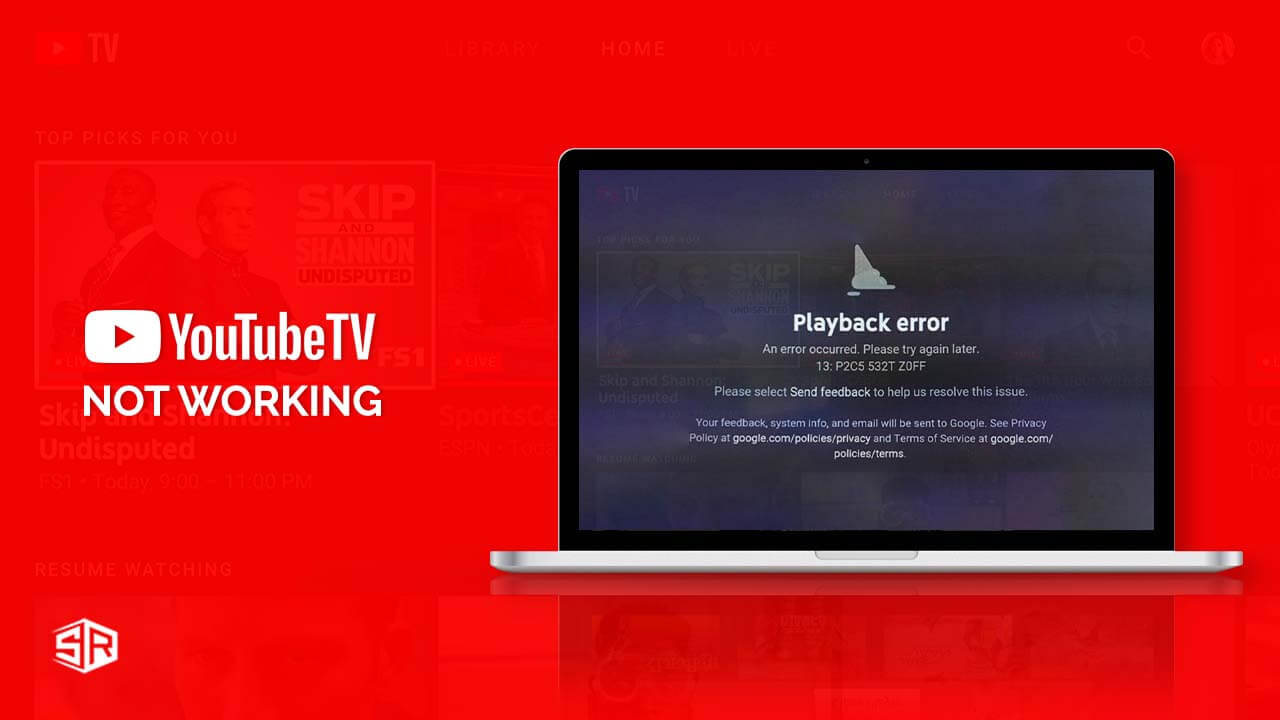
One of the main reasons for buffering issues is a slow VPN connection. If you’re experiencing buffering while using a VPN, try switching to a different VPN provider with speedy and reliable servers. Providers like NordVPN and PureVPN offer fast servers across multiple locations, ensuring a smoother streaming experience.
2. Flush your DNS Cache
In some cases, DNS cache may cause buffering issues. To fix this, you can try flushing your DNS cache. Firstly, open the command prompt on your computer. Then, type the command “ipconfig /flushdns” and press Enter. This will clear your DNS cache and may resolve any DNS-related buffering issues.
3. Connect to a Different VPN Server
If you’re still experiencing buffering after trying the above solutions, you can try connecting to a different VPN server. Sometimes, certain servers may be overloaded or experiencing issues, causing buffering. Switching to a different server within your VPN provider’s network may help resolve the buffering problem.
By following these steps, you’ll be able to fix YouTube TV buffering with VPN and enjoy uninterrupted streaming of your favorite shows and movies. Remember to use a fast VPN service, flush your DNS cache, and try connecting to different servers if necessary. This way, you can ensure a smooth streaming experience while using a VPN.
Overview of YouTube TV Features
If you’re wondering what YouTube TV has to offer, you’ve come to the right place. YouTube TV is a popular streaming service that provides access to a wide range of channels and shows, making it a great choice for cord-cutters. With YouTube TV, you can enjoy live TV from major networks, sports channels, news channels, and more.
One of the standout features of YouTube TV is its user-friendly interface. The platform is easy to navigate, allowing you to quickly find the content you want to watch. You can search for specific shows or browse through the available channels. There’s also a helpful “Library” feature where you can save your favorite shows and movies for easy access.
Another great feature of YouTube TV is its unlimited cloud DVR. This means you can record as many shows as you want and access them at any time. You don’t have to worry about running out of storage space or scrambling to delete recordings. You have the freedom to watch your recorded content whenever it’s convenient for you.
YouTube TV also offers multiple streams, which allows you to watch on up to three devices at the same time. This is perfect for households with multiple viewers or for those who want to watch on different devices simultaneously. You can even create individual profiles for each member of your household, ensuring everyone has their own personalized viewing experience.
Additionally, YouTube TV has a variety of add-ons and premium channels available for an enhanced viewing experience. You can subscribe to channels like HBO, Showtime, and STARZ for an additional monthly fee. This gives you access to even more content and allows you to customize your channel lineup to suit your preferences.
In conclusion, YouTube TV offers a robust set of features that make it a top choice for streaming live TV. From its extensive channel lineup to its user-friendly interface and unlimited cloud DVR, there’s plenty to love about this service. Whether you’re looking to cut the cord, stream live sports, or enjoy your favorite shows on-demand, YouTube TV has you covered.
Benefits of Using a VPN with YouTube TV
YouTube TV has become one of the most popular streaming services in recent months, providing users with access to a wide range of entertainment options. However, there are times when you may encounter issues with accessing YouTube TV, especially if you’re in a different country or region. This is where using a VPN can come in handy.
A VPN, or Virtual Private Network, allows you to securely connect to the internet while masking your true location. By using a VPN like PureVPN, you can easily bypass any geographic restrictions that may cause YouTube TV to not work in your area. This means that you can enjoy all the benefits of YouTube TV, no matter where you are in the world.
One of the main benefits of using a VPN with YouTube TV is that it can help you avoid copyright restrictions. Some videos on YouTube TV may be blocked in certain countries, but with a VPN, you can easily access these videos by appearing to be in a different location. This provides you with a free alternative to subscribing to YouTube Premium or dealing with any region-specific content limitations.
Another benefit of using a VPN with YouTube TV is that it can enhance the overall streaming experience. By using a VPN server that is closer to your location, you can improve streaming speeds and reduce buffering. This ensures that you can enjoy your favorite shows and movies without any interruptions.
In addition, using a VPN with YouTube TV can also provide an extra layer of privacy and security. By encrypting your internet connection, a VPN ensures that your personal information and browsing activity remain hidden from prying eyes. This is especially important when streaming online, as it keeps your viewing habits private.
In conclusion, using a VPN with YouTube TV has many benefits. From gaining access to geo-restricted content to improving streaming speeds and enhancing privacy and security, a VPN can greatly enhance your YouTube TV experience. So, if you’re experiencing any issues with YouTube TV, consider using a VPN like PureVPN to unlock its full potential and enjoy seamless streaming.
Drawbacks of Using a VPN with YouTube TV

If you’re using a VPN to watch YouTube TV, there are a few drawbacks to be aware of:
- Incorrect Location: When using a VPN, your IP address is masked and appears to be from a different country. While this may allow you to access certain programming that is restricted in your local area, it can also cause issues with the YouTube TV service if the location is incorrect.
- Account Problems: YouTube TV may detect that you are using a VPN and restrict access to your account. This can result in error messages or the inability to stream content.
- Limited Server Choices: Some VPN providers may only offer a limited number of server locations, which can be a problem if you’re trying to access YouTube TV from a specific country.
- Speed and Stability: Using a VPN can sometimes slow down your internet connection and affect the streaming quality of YouTube TV. This can be frustrating if you’re trying to watch live sports or other premium content.
While there are some drawbacks to using a VPN with YouTube TV, many users find that the benefits outweigh the issues. It allows you to access geo-restricted content, protect your personal information, and browse the internet anonymously. If you’re experiencing any issues with YouTube TV while using a VPN, there are a few steps you can take to try and resolve them.
Best VPNs for YouTube TV
ExpressVPN: ExpressVPN is a clear choice for YouTube TV. With its fast and reliable connections, you can easily access YouTube TV from anywhere you want. ExpressVPN has servers all over the world, which means you can bypass geo-restrictions and watch your favorite channels without any problems. Their support team is also top-notch, ensuring that you get the help you need whenever you encounter any issues.
NordVPN: NordVPN is another great option for YouTube TV. They have a large number of servers, including dedicated ones for streaming. This means that you can enjoy YouTube TV without any buffering or lag. NordVPN also offers excellent security features, including double VPN and Onion over VPN, to keep your online activities private and secure.
Surfshark: If you’re looking for a budget-friendly VPN that doesn’t compromise on quality, Surfshark is a great choice. With Surfshark, you can easily mask your IP address and access YouTube TV from any location. They have a large network of servers, which ensures that you can always find a server that works with YouTube TV. Surfshark also allows unlimited connections, so you can use it on all your devices.
CyberGhost: CyberGhost is a popular VPN provider known for its user-friendly interface and strong security features. It has optimized servers for streaming, including YouTube TV. With CyberGhost, you can avoid any geo-restrictions and enjoy YouTube TV without any hassle. They also offer a 45-day money-back guarantee, so you can try it risk-free.
Private Internet Access: Private Internet Access is a reliable choice for YouTube TV. They have thousands of servers in different locations, which ensures that you can always find a server that works with YouTube TV. Private Internet Access also offers strong encryption and advanced privacy features to keep your online activities secure. They also have a 30-day money-back guarantee, allowing you to test it out before committing to a long-term subscription.
In Conclusion
If you want to access YouTube TV from anywhere in the world, using a VPN is the best solution. The VPNs mentioned above are some of the best options available, offering fast and secure connections to bypass geo-restrictions and enjoy YouTube TV without any issues. Whether you choose ExpressVPN, NordVPN, Surfshark, CyberGhost, or Private Internet Access, you can be confident that you’ll be able to watch your favorite channels on YouTube TV without any interruptions.
Вопрос-ответ:
Why is my YouTube TV not working with VPN?
If your YouTube TV is not working with a VPN, it is likely because YouTube TV has implemented measures to detect and block VPNs. This is to ensure that users are accessing the service from within the authorized regions and comply with content licensing agreements.
What are some VPNs that work with YouTube TV?
While some VPNs may not work with YouTube TV, there are several VPNs that are known to work well with the service. Some popular VPNs that work with YouTube TV include ExpressVPN, NordVPN, and CyberGhost. These VPNs have a large number of servers and strong encryption algorithms that help bypass detection and access YouTube TV from anywhere in the world.
Does YouTube TV ban VPN users?
YouTube TV does not explicitly ban VPN users. However, they have implemented measures to detect and block VPN connections. This is done to comply with content licensing agreements and ensure that users are accessing the service from authorized regions. As a result, some VPN users may experience difficulties accessing YouTube TV.
Can I use a free VPN with YouTube TV?
While it is technically possible to use a free VPN with YouTube TV, it is important to note that free VPNs often have limitations and may not work reliably with streaming services like YouTube TV. Free VPNs also tend to have slower speeds and may not offer the same level of security and privacy as paid VPN services. It is generally recommended to use a reputable paid VPN service for a better experience with YouTube TV.
Is it legal to use a VPN with YouTube TV?
Using a VPN with YouTube TV is not illegal. However, it is important to note that circumventing geo-restrictions and accessing content outside of authorized regions may violate the terms of service of streaming platforms like YouTube TV. It is always recommended to use VPNs in accordance with the laws and regulations of your country.
Видео:
Does a VPN Work With YouTube TV in 2023?
Does a VPN Work With YouTube TV in 2023? by Hide IP Helper 4 months ago 1 minute, 45 seconds 1,864 views
Best VPN For Youtube TV – How To Use YouTube TV With a VPN
Best VPN For Youtube TV – How To Use YouTube TV With a VPN by Streamer Anonymous 1 year ago 2 minutes, 19 seconds 8,544 views
