
Best VPN for Mac 2023: Reviews and Buying Advice for Mac Users

When it comes to choosing the best VPN for Mac users, support and speed are two key factors to consider. The fastestvpn providers like NordVPN and VyprVPN are well-known names in the industry, offering solid performance and customization options.
For Mac users, logging is a serious concern, as many VPN services keep logs of user activity. However, some VPN providers, like NordVPN and VyprVPN, offer no-logs guarantees, ensuring that your data remains private and secure.
Another important feature for Mac users is built-in security. VPN services like NordVPN and CyberGhost offer features such as double VPN tunneling and kill switch options, which keep your online activity hidden and secure.
When it comes to pricing, affordability is always a key question. NordVPN and CyberGhost are two VPN providers that offer affordable prices for Mac users, with deals available for longer subscription periods.
Finally, performance is a crucial consideration when choosing the best VPN for Mac. VPN providers like Hidden24 and NordVPN have been recommended by users for their fast upload and download speeds, as well as their ability to bypass geo-restrictions.
Overall, there are many factors to consider when choosing the best VPN for Mac users. The top providers, such as NordVPN, VyprVPN, and CyberGhost, offer a range of features and guarantees to ensure the security and privacy of your data. By taking into account the specific needs of Mac users, such as support, no-logs guarantees, customization options, and fast performance, you can find the best VPN service to meet your needs.
Best VPN for Mac 2023: Reviews and Buying Advice for Mac Users
When it comes to choosing the best VPN for Mac, there are several factors to consider. Mac users have specific needs and requirements, so finding a VPN that meets those needs is crucial for a seamless and secure browsing experience.
What is a VPN and why do Mac users need it?
A VPN, or Virtual Private Network, is a service that encrypts your internet connection and routes it through a server operated by the VPN provider. This means that your online activities are hidden from prying eyes, including your internet service provider and hackers. For Mac users, a VPN adds an extra layer of security and privacy, ensuring that your sensitive information and browsing history are protected.
Top VPNs for Mac Users in 2023:
- NordVPN: NordVPN is a leading VPN provider that offers a no-logs policy, meaning they don’t track or store your online activities. With a user-friendly interface and a large server network, NordVPN is a reliable choice for Mac users.
- ExpressVPN: ExpressVPN is known for its speed and overall performance. With strong encryption and a range of server locations, ExpressVPN offers a seamless browsing experience on Mac.
- CyberGhost: CyberGhost is another popular VPN for Mac users. With its multi-hop feature, CyberGhost provides an extra layer of security by routing your connection through multiple servers. It also offers dedicated VPN profiles for different types of activities, such as streaming or torrenting.
- TunnelBear: TunnelBear is a user-friendly VPN that offers a built-in ad blocker and 13 digital trade-in cards. With its easy-to-use interface and reliable performance, TunnelBear is recommended for Mac users who prioritize simplicity.
These VPNs have been tested and proven to be reliable for Mac users. They offer secure encryption, fast connection speeds, and a user-friendly experience. The pricing may vary, so it’s important to compare their features and pricing plans to find the one that meets your needs and budget.
Dynamic IP Addresses
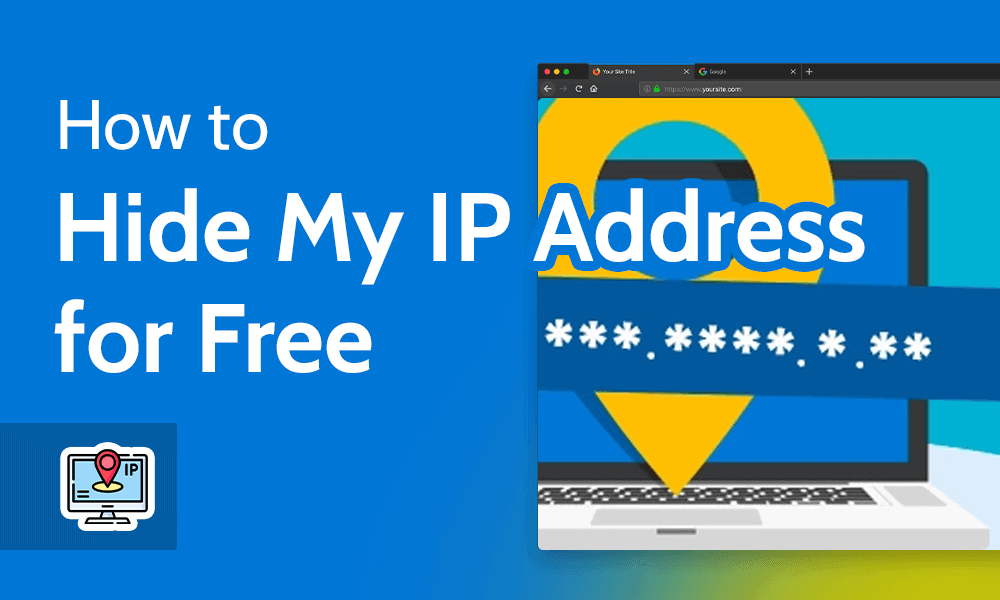
Dynamic IP addresses are an essential component of protecting your online privacy and security. Unlike static IP addresses, which remain the same, dynamic IP addresses change periodically. This constant change makes it difficult for anyone to track your internet activity or pinpoint your exact location. Dynamic IP addresses are often seen as a more secure alternative, especially for Mac users.
One of the main advantages of dynamic IP addresses is that they allow you to appear as if you are browsing from different locations. With a dynamic IP address, you can easily switch between servers in different countries, giving you access to content that may be restricted in your current location. This is particularly useful for streaming services like Netflix, which have region-specific content libraries.
Dynamic IP addresses can also provide an added layer of protection against cyber attacks. By frequently changing your IP address, you make it more difficult for hackers to target your specific computer or network. This is especially important when using public Wi-Fi networks, where the risk of cyber threats is higher.
There are many VPN services that offer dynamic IP addresses as part of their package. One option is Hide.me, which is known for its fast and reliable servers. Hide.me includes an ad-blocker, ensuring a seamless and uninterrupted browsing experience. Another popular VPN option is Ivacy, which operates more than ten servers in Europe alone. Ivacy supports up to five devices simultaneously and offers military-grade encryption to keep your data secure.
When looking for the best VPN with dynamic IP addresses, speed and reliability are key factors to consider. FastestVPN is known for its lightning-fast connections and has servers in more than 30 countries. This allows users to bypass geo-restrictions and access content from around the world. FastestVPN also provides an easy-to-use interface and robust security features, including malware protection and strict no-logs policy.
In conclusion, dynamic IP addresses offer Mac users a secure and versatile browsing experience. They provide an additional layer of privacy and protection, as well as the ability to access content from different countries. Whether you are streaming, downloading, or working from the office, a VPN with dynamic IP addresses can meet your needs.
Best VPNs For Mac Of 2023

When it comes to protecting your online privacy and security, using a VPN is an essential factor to consider, especially for Mac users. Mac devices have a built-in VPN feature, but it may not provide the level of customization and features that third-party VPN services can offer. That’s what makes choosing the best VPN for Mac an important decision.
What to Look for in a VPN for Mac?
When choosing a VPN for Mac, there are several important factors to consider. The VPN should have a wide range of servers located all around the world to ensure reliable and fast connections. It should also support multiple devices, as many users have multiple devices they want to protect. Additionally, the VPN should provide strong encryption to hide your online activity and ensure your personal and private information is secure.
Our Top Picks for the Best VPN for Mac in 2023
After testing and comparing various VPN services, we have compiled a list of the best VPNs for Mac in 2023. These VPNs offer a combination of affordability, speed, and reliability, making them our top recommendations for Mac users:
- 1. VPN Service X: With its extensive server network and fast internet speed, VPN Service X ensures an unrestricted and secure browsing experience. It also offers an exclusive feature that allows you to download movies and TV shows with ease.
- 2. VPN Service Y: VPN Service Y provides top-tier encryption and allows for simultaneous connections on multiple devices. It’s an excellent choice for those looking for a VPN with advanced customization options.
- 3. VPN Service Z: VPN Service Z offers a user-friendly app and a wide range of servers located around the world. It also provides detailed data on internet speed and live chat support for any questions or concerns.
Why These VPNs Stand Out
These VPN services stood out among the others we tested because of their impressive features and performance. They not only offer fast and reliable connections, but they also provide additional features beyond basic VPN functionality.
For example, VPN Service X allows for easy downloading of movies and TV shows, making it great for avid media consumers. VPN Service Y offers advanced customization options, allowing users to tailor their VPN session to their specific needs. VPN Service Z provides detailed internet speed data, allowing users to measure the performance of their connection in real-time.
Furthermore, these VPNs are affordable, with subscription options that cater to different budgets. They also include top-tier encryption to ensure your online activity remains secure and private.
In conclusion, finding the best VPN for Mac in 2023 can be a difficult task with so many options available. However, the VPNs we have listed above stand out as the top picks based on their performance, features, and affordability. Choosing the right VPN will provide you with the peace of mind knowing that your online privacy and security are well-protected.
Our Top 5 Picks
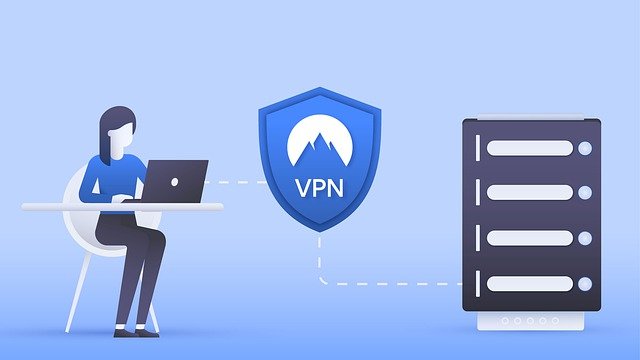
If you’re a Mac user and looking for the best VPN to protect your online activities, our team has compiled a list of the top 5 options based on certain criteria, including speed, security, and accessibility. These VPNs have been tested and ranked to give you the best options for your Macbook.
1. ExpressVPN
ExpressVPN offers dynamic IP addresses, which means your digital footprint is not easily traceable. This is a crucial feature for those concerned with their online security, as it makes it more difficult for malicious attackers to target you or your business. ExpressVPN also has a strict no-logging policy, ensuring your online activities remain private.
2. NordVPN
NordVPN is another great option for Mac users. They offer a kill switch feature that will automatically disconnect your internet connection if the VPN connection drops, ensuring your online activities are always protected. NordVPN also provides access to a large number of servers, allowing for improved speed and unblocked access to geo-restricted content.
3. CyberGhost
CyberGhost is known for its user-friendly interface and low prices. They have a dedicated Mac app that is easy to install and use, making it a great option for beginners. CyberGhost also offers strong security features, including malware and ad blockers, to protect you from online threats.
4. Hide.me
Hide.me offers a free plan that is perfect for occasional VPN users. While their free plan has limited server locations and data, it is still a great option for accessing geo-restricted content and improving your online security. Hide.me also has a strict no-logs policy, ensuring your online activities are not stored or tracked.
5. Hidden24
Hidden24 is a lesser-known VPN provider, but it shouldn’t be overlooked. They offer unlimited data and high-speed connections, making it a great option for streaming and downloading. Hidden24 also has a strong commitment to privacy, with no-logs policy and no third-party access to your data.
In conclusion, investing in a VPN for your Macbook is crucial for protecting your online security and privacy. Our top 5 picks, including ExpressVPN, NordVPN, CyberGhost, Hide.me, and Hidden24, offer a range of features such as dynamic IP addresses, high speed, and robust security, ensuring your online activities remain unrestricted and protected.
FAQ:
What is a VPN and why do I need it for my Mac?
A VPN, or Virtual Private Network, is a service that allows you to create a secure connection to another network over the Internet. It encrypts your internet traffic and hides your IP address, making it difficult for hackers and third parties to track your online activities. VPNs are particularly useful for Mac users as they provide an extra layer of security and privacy, especially when using public Wi-Fi networks.
Can I use any VPN service for my Mac?
While most VPN services are compatible with Mac, not all of them offer the same level of performance and security. It’s important to choose a VPN service that has a dedicated Mac app and supports the latest macOS version. Additionally, you should look for a VPN service that offers fast speeds, a large server network, and strong encryption protocols to ensure a seamless and secure browsing experience on your Mac.
How can I choose the best VPN for my Mac?
When choosing a VPN for your Mac, there are several factors to consider. First, check if the VPN service has a dedicated Mac app and supports the macOS version you are using. Second, look for a VPN service that offers a large server network in various locations to ensure fast and reliable connection speeds. Additionally, consider the VPN’s privacy policy, encryption protocols, and customer support. Reading reviews and comparisons of different VPN services can also help you make an informed decision.
What are the benefits of using a VPN on my Mac?
Using a VPN on your Mac has several benefits. Firstly, it enhances your online privacy by encrypting your internet traffic and hiding your IP address, making it difficult for hackers, ISPs, and other third parties to track your online activities. Secondly, a VPN allows you to bypass geo-restrictions and access content that may be blocked in your region. Moreover, it can protect you from malicious websites and prevent your personal information from being intercepted by cybercriminals.
Is it legal to use a VPN on my Mac?
Using a VPN is legal in most countries. VPNs are primarily used to enhance online security and privacy, and many businesses and individuals rely on them for secure remote access to their networks. However, it’s important to note that while the use of VPNs is legal, using them for illegal activities such as hacking, copyright infringement, or online harassment is not. Always use a VPN responsibly and abide by the laws of your country.
Can a VPN slow down my internet connection on my Mac?
Using a VPN can potentially slow down your internet connection due to the encryption and routing process. However, a good VPN service should minimize this impact by offering fast connection speeds and optimized server networks. When choosing a VPN for your Mac, look for one that has a reputation for providing fast and reliable connections. Additionally, connecting to a server closer to your physical location can help improve your browsing speed.
Do I need to pay for a VPN for my Mac?
While there are some free VPN options available, it’s generally recommended to opt for a paid VPN service for your Mac. Free VPNs often have limitations on data usage, connection speed, and server locations, which can significantly impact your browsing experience. Paid VPNs, on the other hand, offer better performance, more features, and stronger security measures. Investing in a reliable VPN service is a small price to pay for the added privacy and security it provides.
Videos:
VPN for Mac | BEST VPN options for macOS in 2022!
VPN for Mac | BEST VPN options for macOS in 2022! by VPNpro 1 year ago 7 minutes, 28 seconds 10,580 views
Best VPN for Mac & Macbooks in 2023
Best VPN for Mac & Macbooks in 2023 by 9to5Software 2 years ago 4 minutes, 41 seconds 388 views
Best VPN for Mac 2023: Reviews and buying advice
Best VPN for Mac 2023: Reviews and buying advice by Techouse 4 days ago 7 minutes, 40 seconds 1,914 views
