How to Download and Install AVG Secure VPN: Requirements and Additional Information
AVG Secure VPN is a tool that provides a secure and private connection to the internet. With AVG’s secure VPN service, you can protect your online privacy and browse the web anonymously. This article will provide you with information on how to download and install AVG Secure VPN, as well as the requirements and additional details you need to know.
Before you download and install AVG Secure VPN, it’s important to understand the requirements. To use AVG Secure VPN, you need a computer running Windows 7 or later, or a Mac with macOS 10.10 Yosemite or later. Additionally, you will need an internet connection to download and install the software.
Once you have met the requirements, you can proceed to download AVG Secure VPN. Simply go to AVG’s website and navigate to the downloads section. Look for the AVG Secure VPN software and click on the download button. The software will be downloaded to your computer, and you can proceed with the installation process.
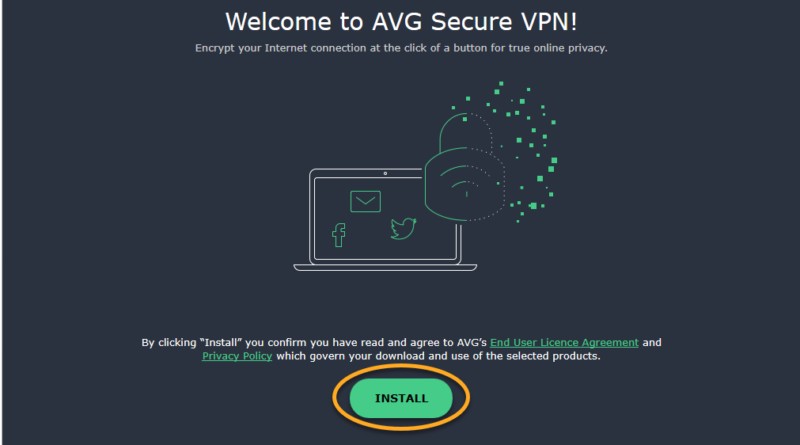
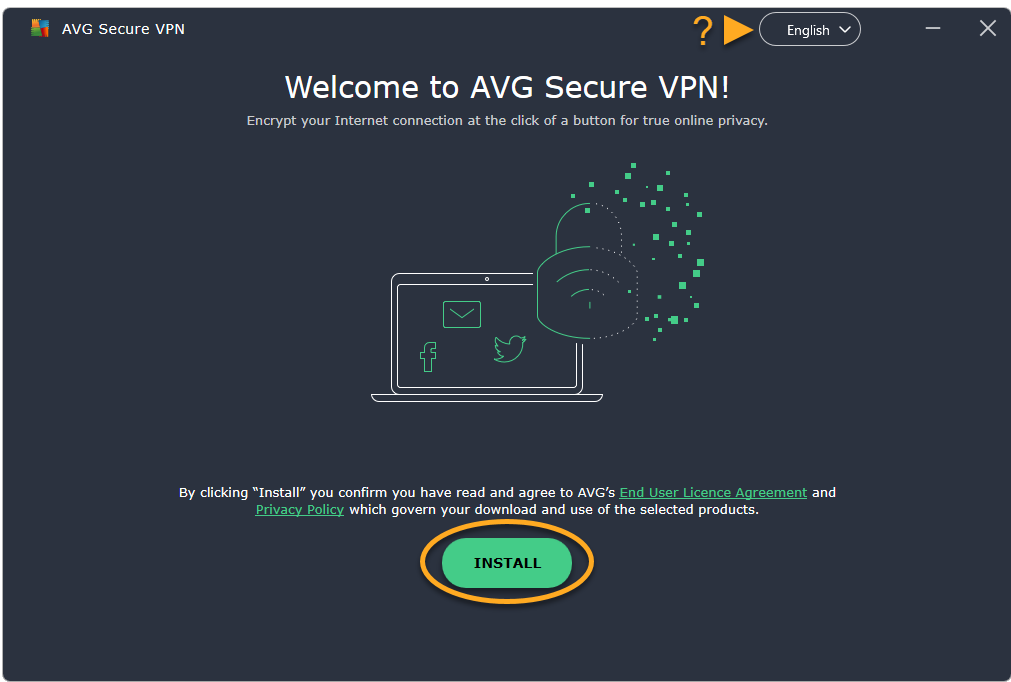
To install AVG Secure VPN, locate the downloaded file on your computer and double-click on it. Follow the on-screen instructions to complete the installation. Once the installation is complete, you can launch AVG Secure VPN and start protecting your online security and privacy.
In conclusion, downloading and installing AVG Secure VPN is a straightforward process. By following the requirements and the provided steps, you can easily get this secure VPN tool up and running on your computer. Stay safe and secure in the online world with AVG Secure VPN!
AVG Secure VPN 1107650
AVG Secure VPN 1107650 is a secure and reliable tool that allows users to protect their online privacy and security. With AVG’s VPN service, users can securely browse the internet and access websites from anywhere in the world.
AVG Secure VPN 1107650 ensures that all internet traffic is encrypted, preventing hackers and third parties from intercepting sensitive information. By using a VPN, users can safely connect to public Wi-Fi networks without worrying about their data being compromised.
Before installing AVG Secure VPN 1107650, there are a few requirements to consider. Users must have a compatible operating system, such as Windows, Mac, or Android, and an active internet connection. It’s also important to have enough storage space to download and install the VPN app.
Downloading and installing AVG Secure VPN 1107650 is a straightforward process. Users can visit AVG’s official website or their app store to download the VPN app. Once the download is complete, simply follow the on-screen instructions to install the tool on your device.
Additional information about AVG Secure VPN 1107650 and its features, such as server locations and pricing, can be found on AVG’s website. Users can also find FAQs and troubleshooting guides to help with any issues that may arise during installation or usage of the VPN service.
AVG’s VPN Tool
AVG Secure VPN is a powerful tool that provides enhanced security and privacy for your online activities. With this VPN service, you can protect your personal information and browsing history from prying eyes, and access blocked websites and content from anywhere in the world.
AVG Secure VPN operates by creating a secure connection between your device and the internet, encrypting all data that passes through it. This ensures that your online activities are protected from hackers, identity thieves, and other cyber threats.
One of the key features of AVG Secure VPN is its ability to hide your IP address and location. This means that you can browse the internet anonymously, without leaving any traces behind. It also allows you to bypass geographic restrictions and access geo-restricted content from anywhere in the world.
To use AVG Secure VPN, you need to download and install the VPN tool on your device. The requirements for installation are minimal, with the tool being compatible with both Windows and Mac operating systems. Additionally, AVG Secure VPN is available for mobile devices running on Android and iOS.
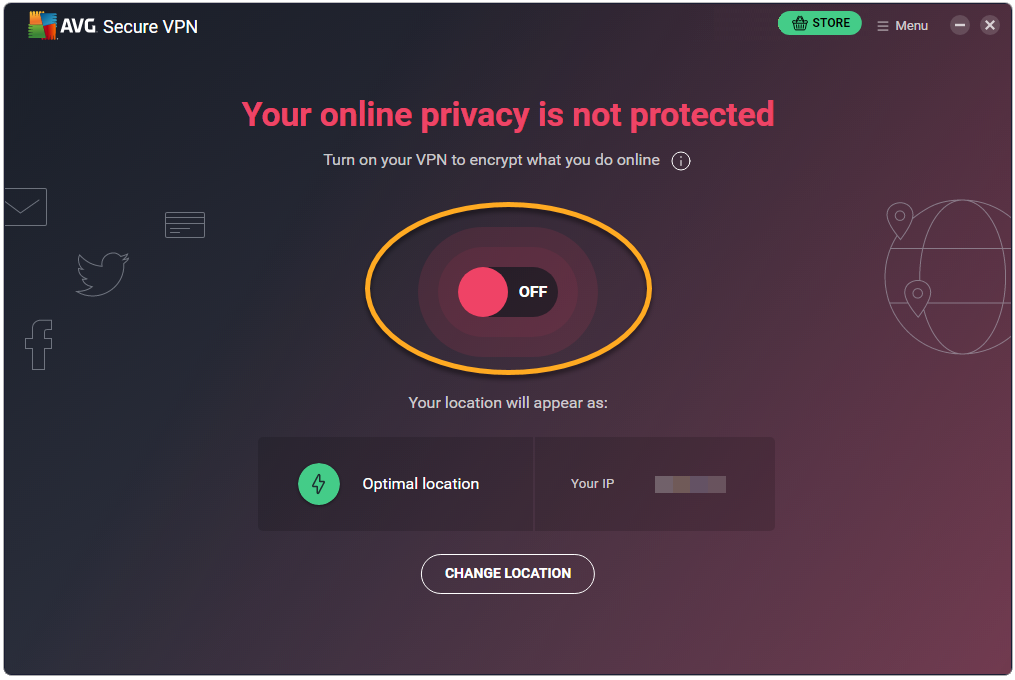
Once installed, the AVG Secure VPN tool is easy to use. Simply launch the application and choose your desired server location. You can select from a wide range of server locations around the world, ensuring optimal speed and performance. You can also choose to automatically connect to the nearest server for convenience.
Overall, AVG Secure VPN is a reliable and effective tool for enhancing your online security and privacy. Whether you want to protect your personal information, access blocked websites, or browse the internet anonymously, this VPN service has got you covered.
How to Download and Install AVG Secure VPN
Requirements and Additional Information
Before downloading and installing AVG Secure VPN, it is important to check that your device meets the necessary requirements. The VPN service is compatible with Windows, Mac, Android, and iOS operating systems. It requires at least 100 MB of free disk space and a stable internet connection.
In order to download AVG Secure VPN, you can visit AVG’s official website or trusted app stores such as the Microsoft Store or Apple App Store. Simply search for “AVG Secure VPN” and select the appropriate version for your device’s operating system.
Once you have located the AVG Secure VPN download, click on the download button to start the process. The file size is approximately 25 MB, so it may take a few moments to complete depending on your internet speed.
After the download is complete, locate the file in your device’s Downloads folder or the designated location where you save downloads. Double-click on the file to begin the installation process.
Follow the on-screen instructions to install AVG Secure VPN. You may be prompted to agree to the terms and conditions before proceeding. Once the installation is complete, you can launch the AVG Secure VPN app and start using it to secure your internet connection.
It is recommended to regularly check for updates to ensure that you have the latest version of AVG Secure VPN, as updates often include security enhancements and bug fixes.
AVG VPN Download
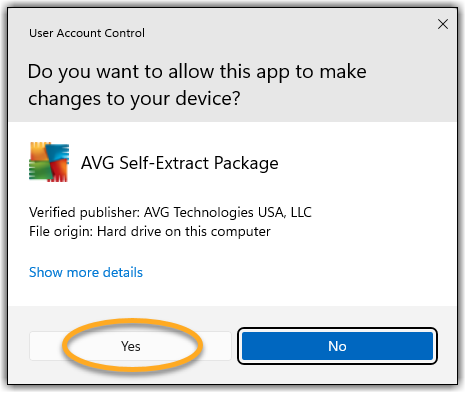
When it comes to online security and privacy, AVG Secure VPN is a reliable tool that provides a secure connection for your internet activities. Whether you want to browse anonymously, access region-restricted content, or protect your personal information, AVG VPN can help you achieve that and more.
To download AVG Secure VPN, you can visit the official website of AVG or trusted download platforms. Simply search for “AVG Secure VPN download” in your preferred search engine and you will find multiple sources offering the download.
Before downloading AVG VPN, it’s important to ensure that your system meets the necessary requirements. AVG VPN is compatible with Windows, Mac, Android, and iOS devices, making it accessible for a wide range of users.
Once you have downloaded AVG VPN, the installation process is straightforward. Follow the on-screen instructions to install the application on your device.
After installation, you will be able to enjoy the benefits of AVG Secure VPN. This includes enhanced online security, encrypted internet connection, and the ability to access geo-restricted content. AVG VPN also offers additional features, such as a Kill Switch and DNS Leak Protection, to further enhance your online privacy.
With AVG’s secure VPN service, you can freely browse the internet without worrying about cyber threats or potential data breaches. So, go ahead and download AVG Secure VPN to experience a safer and more secure online browsing experience.
FAQ:
What are the system requirements to download and install AVG Secure VPN?
The system requirements to download and install AVG Secure VPN are: Windows 10, 8, 7 (32-bit or 64-bit); macOS 10.10 Yosemite or later; Android 5.0 (Lollipop) or later; iOS 11 or later. You also need a stable internet connection and enough storage space to install the application.
Is AVG Secure VPN compatible with all devices?
AVG Secure VPN is compatible with Windows, Mac, Android, and iOS devices. It can be installed on desktop computers, laptops, smartphones, and tablets running the supported operating systems.
How do I download and install AVG Secure VPN?
To download and install AVG Secure VPN, you can visit the official AVG website or app store of your device. Look for the AVG Secure VPN application, click on the download button, and follow the on-screen instructions to complete the installation process.
Does AVG Secure VPN have a free trial period?
Yes, AVG Secure VPN offers a free trial period. You can try the VPN service for a limited time before deciding to purchase a subscription. During the trial period, you will have access to all the features and functionality of the VPN.
What additional features does AVG Secure VPN offer?
Along with providing secure and private internet connection, AVG Secure VPN offers additional features such as anonymous browsing, access to geo-restricted content, protection from hackers and cyber threats, and the ability to choose from various server locations around the world.
Videos:
How To Download And Install AVG Secure Browser | Mr. TechWonder
How To Download And Install AVG Secure Browser | Mr. TechWonder by Mr. TechWonder 1 year ago 5 minutes, 34 seconds 288 views
Download and install AVG Secure VPN on Android, iPhone/iPad
Download and install AVG Secure VPN on Android, iPhone/iPad by HalfGēk 2 years ago 2 minutes, 21 seconds 285 views
