5 Best VPN Browsers – Browse the Web Privately with a Built-in VPN: Tor Considered and 4 Aloha Browser Alternatives
In today’s digital age, online privacy and security have become more important than ever. With the increase in cyber threats and data breaches, it is crucial to ensure that your internet activity is secure and protected. One way to achieve this is by using a VPN (Virtual Private Network) browser.
A VPN browser is a secure web browser that comes with a built-in VPN, allowing users to surf the internet anonymously and protect their online activities from prying eyes. These browsers offer a range of features and benefits, such as the ability to switch between different VPN servers and proxies, that enhance privacy and security.
One popular VPN browser is Opera. Opera Browser comes with a free, unlimited VPN that allows users to browse the web securely and anonymously. Unlike standalone VPN services, the built-in VPN in Opera Browser doesn’t require any additional installation or configuration, making it extremely convenient for users. It also offers fast browsing speeds and encryption of internet traffic, ensuring that your online activities are protected.
Another great VPN browser is Tor. Tor, short for The Onion Router, is a browser that offers a high level of privacy and anonymity. It is based on a network of volunteer-operated servers that allow users to browse the internet without revealing their IP address or location. Tor also clears your browsing history and cookies after every session, leaving no traces behind.
In addition to Opera and Tor, there are several other VPN browsers available in the market, each with its own unique features and advantages. For example, Avast Secure Browser is a feature-packed browser that offers enhanced privacy and security features. It supports secure DNS, HTTPS encryption, and blocks tracking cookies, providing users with a greater level of protection.
When choosing a VPN browser, there are a few factors to consider. First, you should look for a browser that offers a wide range of VPN servers and regions to choose from. This will allow you to access blocked websites and content from different parts of the world. Second, you should consider the privacy policy of the VPN browser company. Make sure that they don’t collect any personal information or browsing data.
Discover the 5 Best VPN Browsers
When it comes to online privacy and security, a virtual private network (VPN) is an essential tool. It encrypts your internet traffic and hides your IP address, ensuring that your online activities remain private and secure. To make things even easier, there are now VPN browsers available that integrate VPN functionality directly into the browser itself. Here are the top 5 VPN browsers that you can use:
1. Opera Browser
Opera is a popular browser that comes with a built-in VPN. It’s free and easy to use, making it a great option for beginners. It supports multiple platforms and allows you to browse the web securely and anonymously. However, the free version has some limitations, and the VPN doesn’t work for all websites.
2. Brave Browser
Brave is a fast and feature-rich browser that focuses on privacy and security. It has a built-in VPN called Brave VPN, which offers both free and premium options. The free version protects your browsing sessions, while the premium version adds additional features like IP-based protection and advanced ad blockers. However, the premium version comes with a monthly fee.
3. Mozilla Firefox
Firefox is a well-known browser that offers strong privacy and security features. Although it doesn’t have a built-in VPN, you can use third-party extensions like NordVPN or Surfshark to add VPN functionality. This allows you to access blocked websites and browse the web anonymously. However, setting up and configuring these extensions can be a little complex for beginners.
4. Microsoft Edge
Microsoft Edge is the default browser for Windows 10 and comes with built-in privacy and security features. While it doesn’t have a built-in VPN, it supports the IKEv2 protocol, which allows you to set up a VPN connection easily. This is a great option for those who already have a VPN service and want to use it with Microsoft Edge.
5. Tor Browser
The Tor Browser is a popular choice for those who prioritize anonymity and secrecy. It is based on the Tor network, which routes your internet traffic through multiple encrypted relays, making it extremely difficult for anyone to track your online activities. However, the Tor network can be slower than other VPN options, and it may not be suitable for tasks like downloading large files or streaming media.
In conclusion, these VPN browsers offer different pros and cons, so it’s important to choose the one that best suits your needs. Whether you’re looking for a free or premium option, a browser with built-in VPN functionality or one that supports third-party extensions, there is a VPN browser out there for you.
Browse the web privately with a built-in VPN
If you are concerned about your online privacy and want an alternative to stay anonymous while browsing, using a browser with a built-in VPN can be a great solution. There are several browsers that offer this service, which allows users to browse the web securely and privately, without the need to install a separate VPN software.
One of the main advantages of using a browser with a built-in VPN is that it provides a more aggregated and streamlined experience for users. Instead of having to buy and download a separate VPN service, users can have all their browsing needs met in one place. This not only saves time and effort but also ensures that all the necessary details related to the VPN service are easily accessible.
Using a built-in VPN in browsers also protects users’ data from government surveillance and other threats. The VPN encrypts the data, making it difficult for anyone to collect or access it. This is especially important when using public Wi-Fi networks, as these are more prone to data breaches. With a built-in VPN, users can enjoy a secure browsing experience, even when connected to unsecured networks.
However, there are a few considerations to keep in mind when using a built-in VPN browser. One of them is the limited number of regions that the VPN can connect to. Unlike standalone VPN services that offer a wide range of server locations, browser-based VPNs usually have a more limited selection. This might not be a major issue for most users, but for those who require specific regions, it is something to keep in mind.
Another potential drawback of using a built-in VPN browser is that it doesn’t offer the same level of anonymity as dedicated VPN services like Tor. While a VPN browser can protect users’ data and browsing activities, it still collects some information, such as IP addresses and website visits. Tor, on the other hand, is known for its transparent and privacy-focused approach, making it a popular choice for those who prioritize anonymity.
In conclusion, while using a browser with a built-in VPN offers convenience and protection, it may not be the best option for those who require maximum anonymity. However, for most users, a built-in VPN browser is an interesting and efficient way to stay protected while browsing the web.
What about Tor?
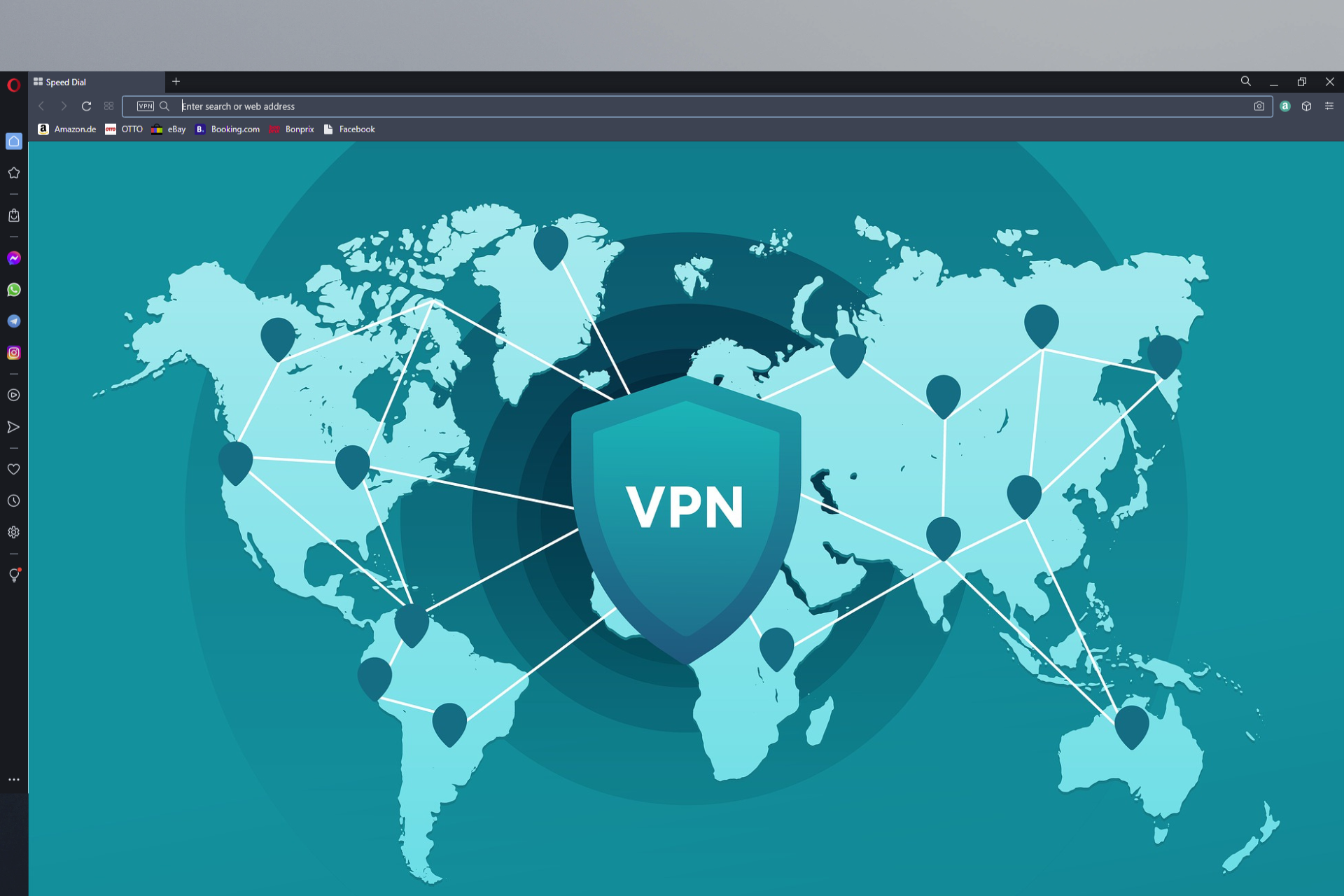
Tor is a popular browser that provides a high level of anonymity and privacy while surfing the web. It is built on the Tor network, which is a network of volunteer-operated servers that encrypt and redirect internet traffic, making it difficult to track or trace back to the user.
Unlike most VPN providers that have a limited number of servers in specific locations, Tor routes your traffic through multiple servers around the world. This helps in keeping your online activities anonymous and protects your privacy.
The Tor browser is available on multiple platforms, including Windows, Mac, Linux, and Android. It is very user-friendly, with a simple and intuitive interface. The browser also offers alternatives to other popular browsers, such as Google Chrome and Mozilla Firefox.
- One of the key differences between Tor and traditional VPNs is that Tor is a free service, while VPN providers usually charge a fee. However, the trade-off is that Tor’s connection speed can be slower compared to some VPNs.
- Another important point to note is that Tor is not suitable for downloading large files or streaming services, as its bandwidth is often limited.
- Since Tor is focused on anonymity, it does not support certain features that VPNs typically offer, such as setting a passcode or connecting to multiple servers simultaneously.
If you want to enjoy anonymous and private browsing, Tor can be a great option, especially if you value strong privacy and don’t mind sacrificing some speed and convenience. However, if you need more advanced features or faster connection speeds, you may want to consider using a VPN instead. Some popular VPN browsers include Brave, Opera, AVG Secure Browser, and Thunder VPN.
No matter which option you choose, it is always important to use secure connections, especially when using public Wi-Fi. Always be cautious while sharing personal information and ensure that you are protected with a reliable VPN or browser.
Try Brave Firewall + VPN now
Brave Firewall + VPN is one of the best VPN browsers available, offering a range of features to keep your browsing data secure and private. With this browser, you can browse the web without worrying about related privacy concerns.
The Brave browser includes a built-in VPN, which means you don’t have to install any additional software. This makes things much more convenient for users who want a quick and easy solution for protecting their online privacy.
One of the strong points of Brave Firewall + VPN is its ability to protect you from ISPs and other trackers that may try to collect your browsing data. It uses a combination of servers and proxies to ensure that your traffic is secure and private, no matter where you are browsing from.
Additionally, Brave Firewall + VPN is a device-wide VPN service, so it will protect all of your internet traffic, not just your browsing activity within the browser. This means that you can enjoy a secure and private internet experience across all platforms and devices.
The Norwegian government owns and operates the servers used by Brave Firewall + VPN, ensuring that your data is secure and not accessible to anyone else. The browser also uses ninja-like encryption to further enhance the security of your browsing data.
When it comes to browsing speed, Brave Firewall + VPN claims to have a fast and reliable service that won’t slow down your internet connection. This is an important consideration for many users, as slow VPNs can be frustrating to use.
In terms of cost, Brave Firewall + VPN is a free browser, which is a big plus for those on a budget. You don’t have to worry about paying for a separate VPN service, as it is already integrated into the browser.
In summary, if you are looking for a VPN browser that protects your privacy, has a strong security feature, and is easy to install and use, then Brave Firewall + VPN is definitely worth considering. It offers a range of options for securing your online browsing activity and provides a seamless and secure browsing experience.
FAQ:
What is a VPN browser and how does it work?
A VPN browser is a web browser that incorporates a built-in virtual private network (VPN) to provide secure and private browsing. Instead of directly connecting to websites and servers, the browser routes the traffic through a secure VPN server, encrypting the data and hiding your IP address. This helps to protect your online privacy, hide your browsing activities from ISPs and other entities, and bypass censorship or geographical restrictions.
Which are the best VPN browsers available?
There are several great VPN browsers available, each with its own strengths and features. Some of the top options include:
What are the benefits of using a VPN browser?
Using a VPN browser offers several benefits, including:
Can I use a VPN browser for free?
Yes, many VPN browsers offer free versions with limited features or limitations. However, it’s important to note that free VPNs may have certain drawbacks, such as slower connection speeds, limited server locations, and data caps. Additionally, some free VPN browsers may display ads or collect and sell user data to generate revenue. If you require a more comprehensive and reliable VPN experience, it’s worth considering a paid VPN service.
Is using the Tor browser safer than using a VPN browser?
Both Tor and VPN browsers have their own strengths and weaknesses when it comes to privacy and security. The Tor browser is specifically designed for anonymity and routing internet traffic through a network of volunteer-operated servers. It provides a higher level of privacy but may be slower due to the multiple relay points. On the other hand, VPN browsers encrypt your internet connection and offer additional security features. They may be more suitable for general browsing, accessing geographically restricted content, or securing public Wi-Fi connections. The choice between Tor and VPN browser depends on your specific needs and threat model.
Are VPN browsers legal to use?
The legality of VPN browsers varies depending on the country and its laws. In most countries, using a VPN browser for personal privacy and security purposes is legal. However, some countries have restrictions on the use of VPNs, either banning VPNs outright or requiring VPN providers to obtain licenses. It is essential to familiarize yourself with the laws and regulations regarding VPN use in your country before using a VPN browser.
Videos:
Browse the Web Anonymously with a VPN Extension Browser Online!
Browse the Web Anonymously with a VPN Extension Browser Online! by Think Security 3 weeks ago 5 minutes, 56 seconds 4,534 views
Browser with VPN | From BEST to WORST options
Browser with VPN | From BEST to WORST options by CyberNews 11 months ago 7 minutes, 19 seconds 2,998 views
Tor vs VPN | What’s the Difference? (and which should you use?)
Tor vs VPN | What’s the Difference? (and which should you use?) by All Things Secured 2 years ago 8 minutes, 18 seconds 583,899 views
